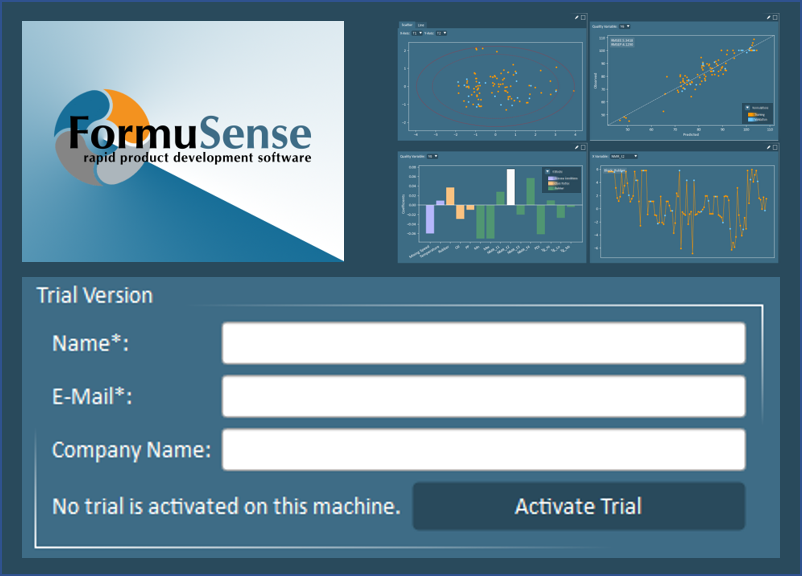
ProSensus is thrilled to announce that 30-day trials of FormuSense are available now!
FormuSense is commercial software that empowers its users to efficiently formulate new products through a no-code desktop platform. FormuSense is backed by the proven framework that ProSensus has applied to numerous product development applications for nearly two decades through consulting engagements and custom solutions.
Start Your Trial
Download a copy of FormuSense from the FormuSense homepage, and activate your trial today.
Release Notes
Below is a summary of new features added and changes implemented in FormuSense as part of the version released in September 2022. This version is referred to as the Predictive Modeling Release.
What’s New
- Licensing: 30-day trials are now publicly available
- Modeling: Configure, prune, and interpret predictive models (PLS).
- Setup:
- Specify which variable blocks or individual variables to include/exclude and apply optional log transformations.
- Specify which formulations (single selections or group selections via filters) to include in model training and model validation, and which to remove.
- Specify the desired number of principal components.
- Document modeling decisions in the comments window.
- Analysis:
- Review generated models with three analysis views. Each view can be customized to include four intuitive visualizations, chosen from ten different options.
- Evaluate model fit, key correlations among and between x and y data, outlier detection, contributors to the outlier(s), model predictive ability, and x-data.
- Interpret results with interactive plot tools including zoom, selections, and global plot coloring.
- Make and maintain simultaneous formulation and variable selections. All selections are automatically mirrored on complementary plots.
- Identify variables and formulations of interest by expanding the side drawer to view the legend and the listing of all current selections.
- Refine the model set-up directly within the analysis with action tools that allow current plot selections to be moved (to training/validation/removed) and the number of principal components to be adjusted.
- Document modeling decisions and key findings in the side drawer comments window.
- Compare results of multiple model configurations.
- Setup:
What’s Changed
- Import: Specify formulation data as a fraction, percent, or amount (amount being consistent measurement units such as mass, moles, PHR, etc.).
- Data: Select a single datapoint or an entire variable (column) from any table in Ingredient Properties, Process Conditions, or Quality to see the same datapoint(s) automatically identified in the related plot. Similarly, select one datapoint from any plot in Ingredient Properties, Process Conditions, or Quality to see the same datapoint automatically identified in the related table.
- Export: Option to export only the data used in a specific model (excludes any pruned formulations and variables). When this option is selected, predicted quality and model coefficients are also exported.
Learn More
Get more details about FormuSense including key features, licensing, and support and understand how to structure your experimental dataset for import into FormuSense.