Error Messages
The following section outlines several error messages, warnings, and possible fixes. If an error occurs and the user requires assistance, please contact ProSensus for further information.
Import Warnings
- Import Warning:
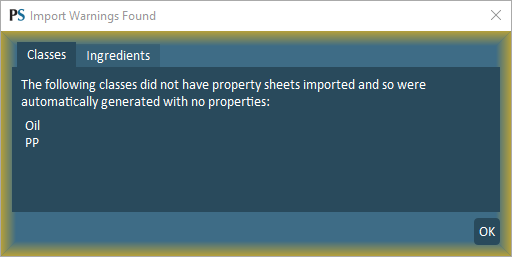
The following classes did not have property sheets imported and so were automatically generated with no properties.
- Result:
If properties are not supplied for a user-defined ingredient class, the software will automatically generate classes based on the unique class names. Properties will be left blank for these classes.
- Import Warning:
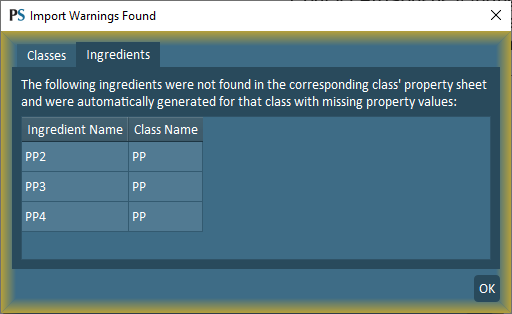
The following ingredients were not found in the corresponding class property sheet and were automatically generated for that class with missing property values.
- Result:
Ingredients with no properties are added to its respective class property block with missing (NaN) for all properties.
- Import Warning:
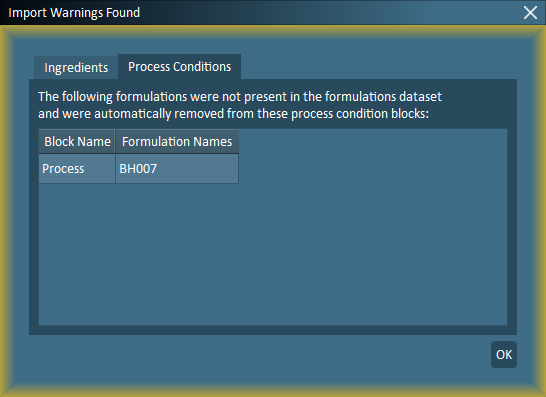
The following formulations were not present in the formulations dataset and were automatically removed from these process condition blocks.
- Result:
Products listed in process data but are missing formulations are removed.
- Import Warning:
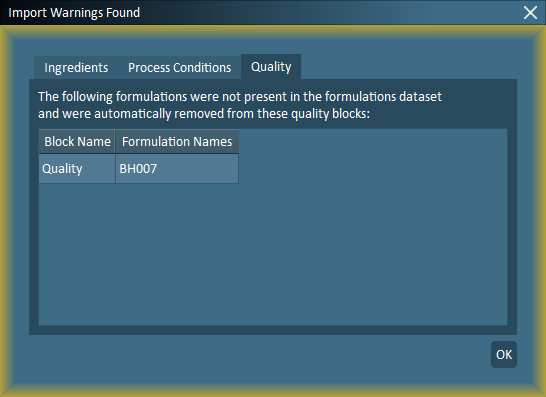
The following formulations were not present in the formulations dataset and were automatically removed from these quality blocks.
- Result:
Products listed in quality data but are missing formulations are removed.
- Import Warning:
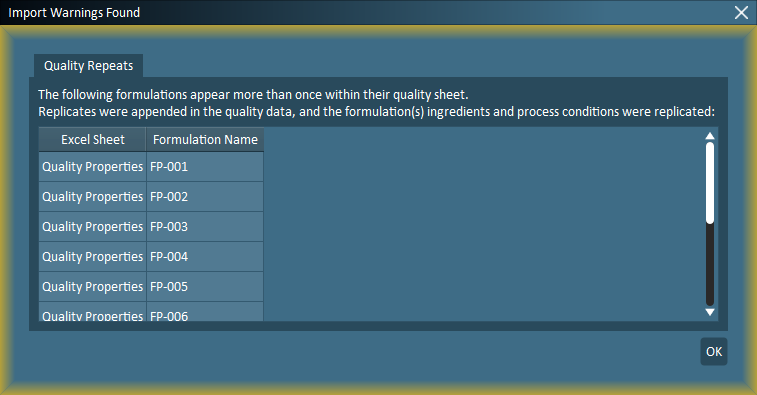
The following formulations appear more than once within their quality sheet.
- Result:
Replicates were appended in the quality data, and the formulation(s) ingredients and process conditions were replicated.
- Import Warning:
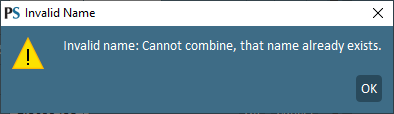
The following warning occurs if rows or columns are combined in the Data stage and the new combined property name already exists.
- Result:
To resolve this error, ensure that the new property name does not already exist and try again.
Import Errors
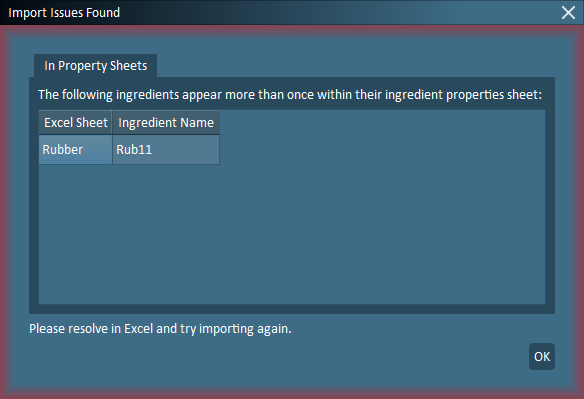
- Import Error:
- Fix:
Ensure the ingredient does not appear multiple times in its property sheet.
Reason: Each ingredient cannot have multiple values for a unique property.
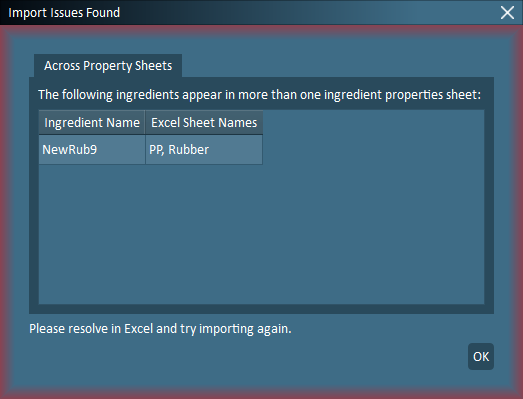
- Import Error:
- Fix:
Ensure the ingredient only appears in 1 property sheet.
Reason: Each ingredient cannot belong in multiple classes.
- Import Error:
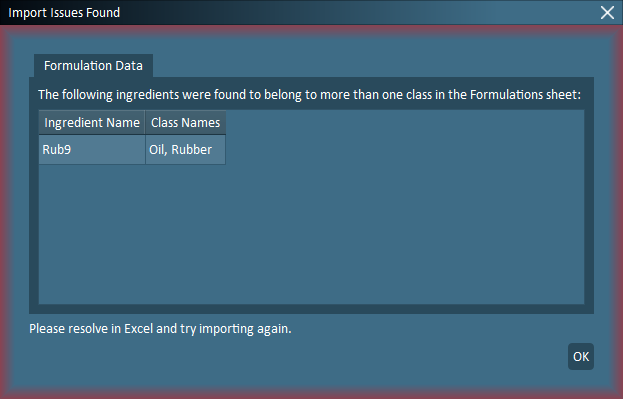
- Fix:
Ensure the ingredient does not appear as multiple classes in the formulations sheet.
Reason: Each ingredient cannot belong in multiple classes.
- Import Error:
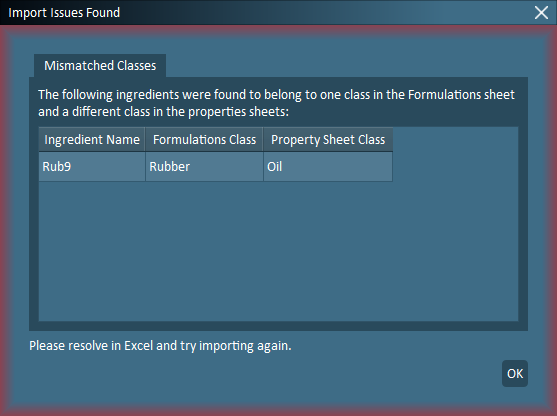
- Fix:
Ensure the ingredient appears in the same property sheet as listed in the formulations sheet (class column).
Reason: Mismatch between formulation and property sheets.
- Import Error:
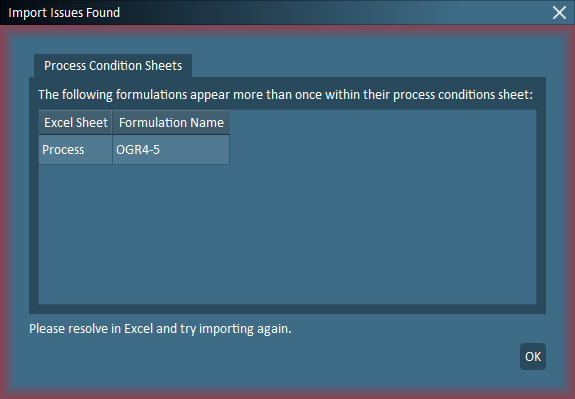
- Fix:
Ensure the formulation only appears once in the process conditions sheet.
Reason: Formulations cannot have more than 1 entry for process conditions.
- Import Error:
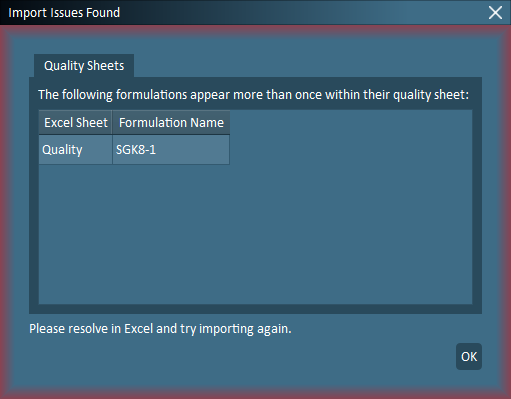
- Fix:
Ensure the formulation only appears once in the quality data sheet.
Reason: Formulations cannot have more than 1 entry for quality data.
Mixture Property Warnings and Errors
The following are other miscellaneous errors, and is not an exhaustive list. Please contact ProSensus for assistance if required.
RX Config
The following error occurs if a global property is created but a property is not selected from each class.
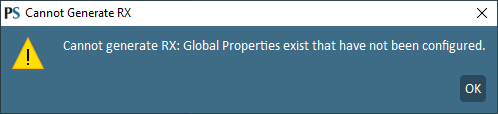
To resolve this error, ensure a property is selected from each class for the global property configuration.
Invalid Mixing Rules
The following error occurs if an RX configuration is set to logarithmic or natural logarithm and the property contains zero or negative values.
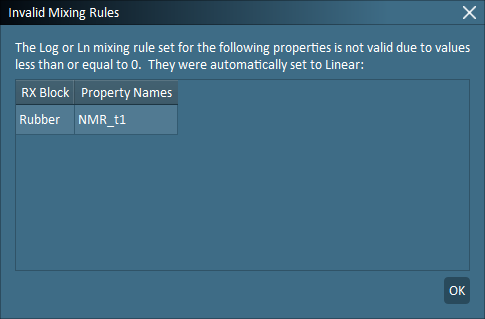
The RX configuration is automatically set to linear for the listed properties.
Modeling Warnings and Errors
The following are other miscellaneous errors, and is not an exhaustive list. Please contact ProSensus for assistance if required.
Model Generation Errors
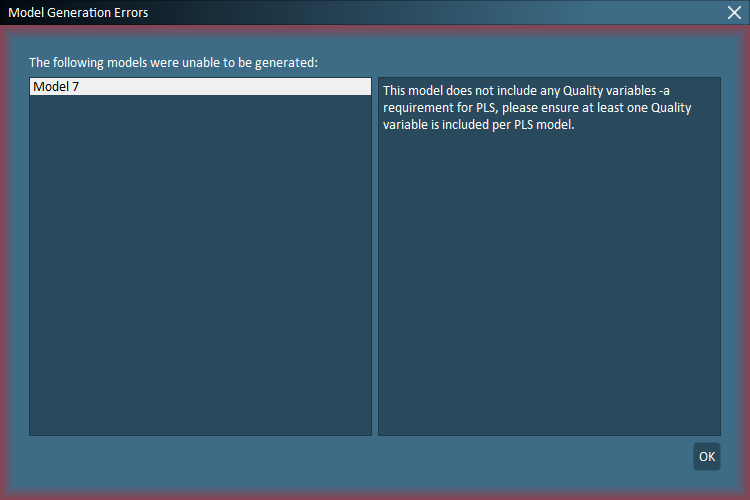
All PLS models must contain a minimum of 1 X-block and 1 Y-block. Models that are missing either an X-block or a Y-block will result in the following error.
Models not generated
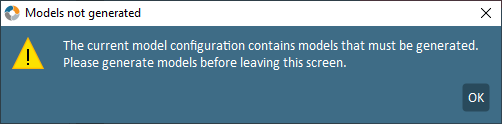
The warning occurs if changes are made to the active model (such as removing variables or formulations) and the user attempts to navigate away from the modeling setup screen before regenerating the model.
Model Generation Warnings
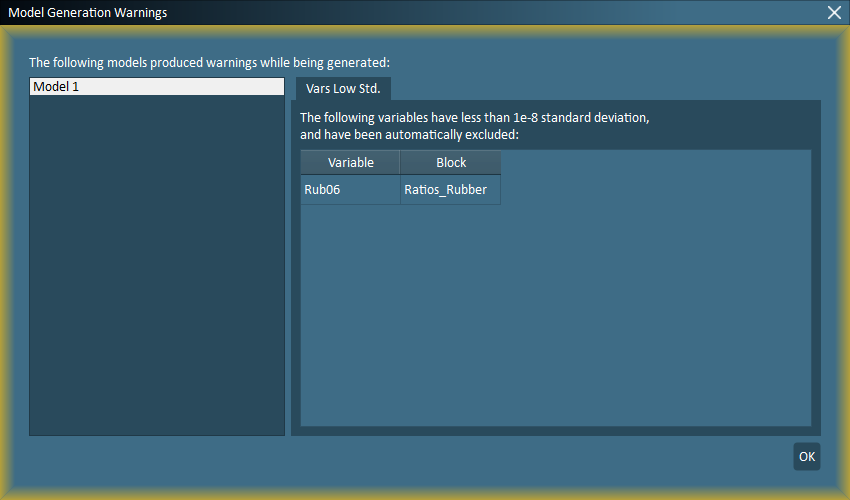
The following warning occurs if a variable included in modeling setup has insufficient variation.
Generate Models
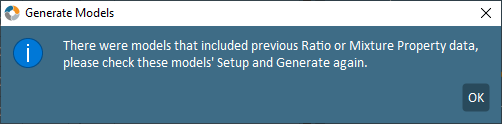
The following warning occurs when imported data is edited after model generation. To resolve this warning, the user must return to model setup and regenerate models.
Simulation Warnings
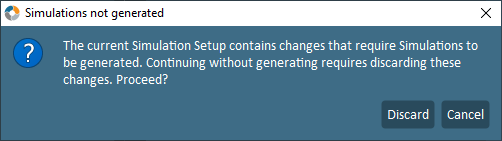
The following warning occurs when changes are made to the Simulation Setup, and the user begins to navigate away from the Simulation Setup screen prior to re-generating the simulations.
Optimization Warnings and Failures
Non-Unique Process Variable Names
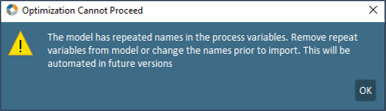
The following error will be encountered if a user attempts to run an optimization that includes process variables with non-unique names. Remove any repeated variables from the model or rename the affected variables and reimport data into FormuSense.
There are several optimization result messages that can be encountered if the algorithm does not successfully reach a solution for the configured optimization. The two most common optimization messages are included below.
Over Constrained Optimization
This following error often occurs when the optimization is over constrained. Review which constraints are broken by locating the relevant icons ( and
and  ) in the Optimization Results screens. Loosen the identified constraints on the impacted variables in the Optimization Setup screen, and then regenerate the optimization.

Optimization Touching Constraints
The following error often occurs when the optimization setup is touching on several constraints. The optimization may possibly solve if the tolerance is lowered and optimization is re-generated. Adjust tolerance under Advanced - Optimization Tolerance Sensitivity and set to Low.
